poolio Pro · service companies
Every pool you look after, on one screen.
The pool that needs attention shows first. Installations are completed with a wizard; service requests arrive with the device status.
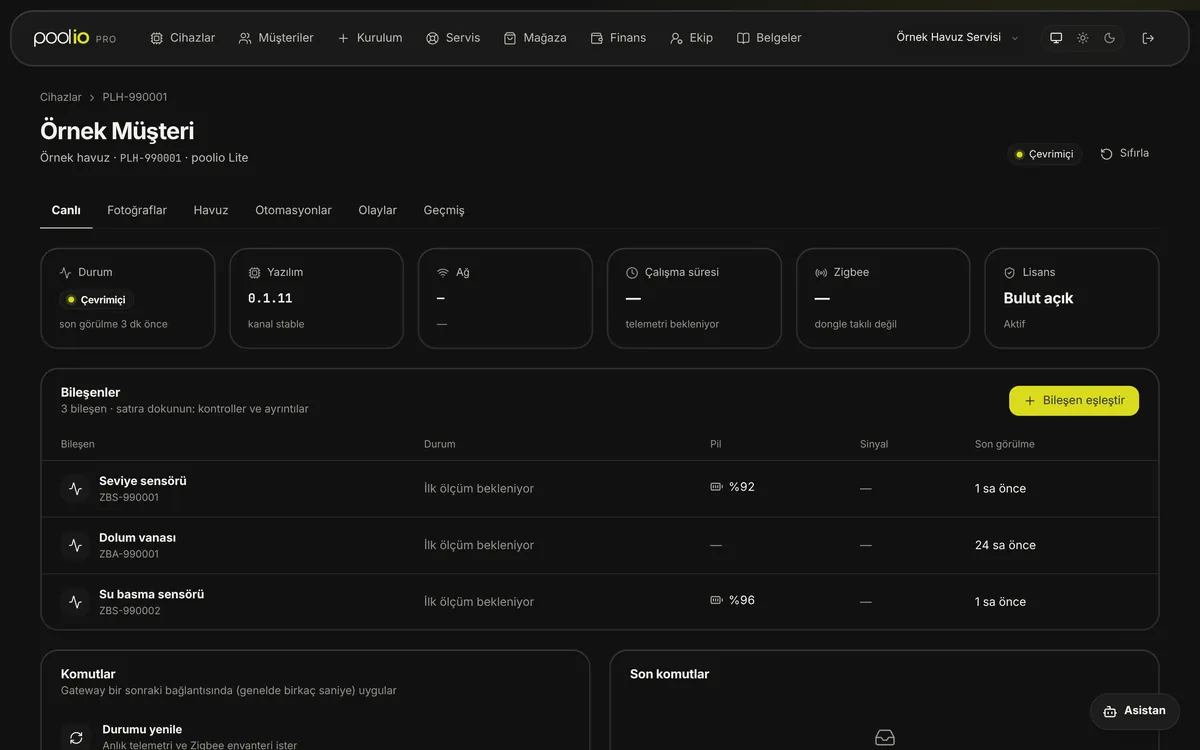
Real poolio Pro screen · representative data
Multi-pool monitoring
Know which pool is waiting for you.
All customer pools in one list; those with alerts, low batteries or offline devices first.
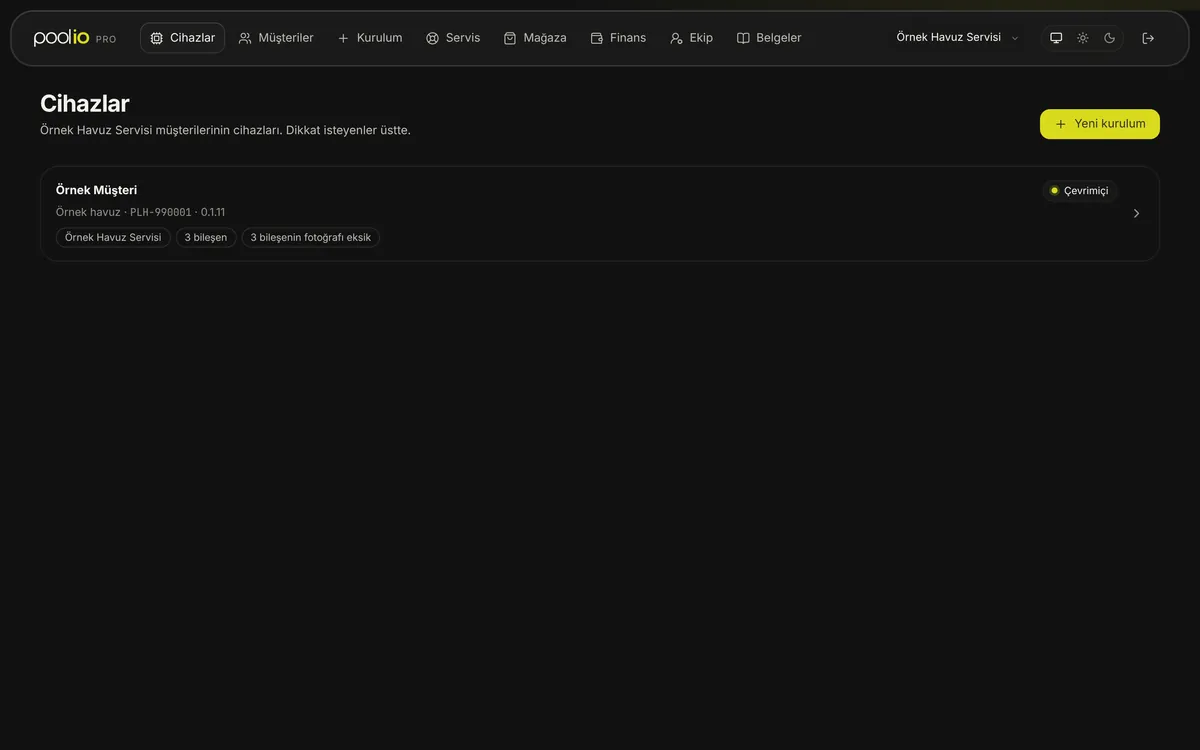
Real poolio Pro screen · representative data
Installation and service
Step by step on site, one flow in the office.
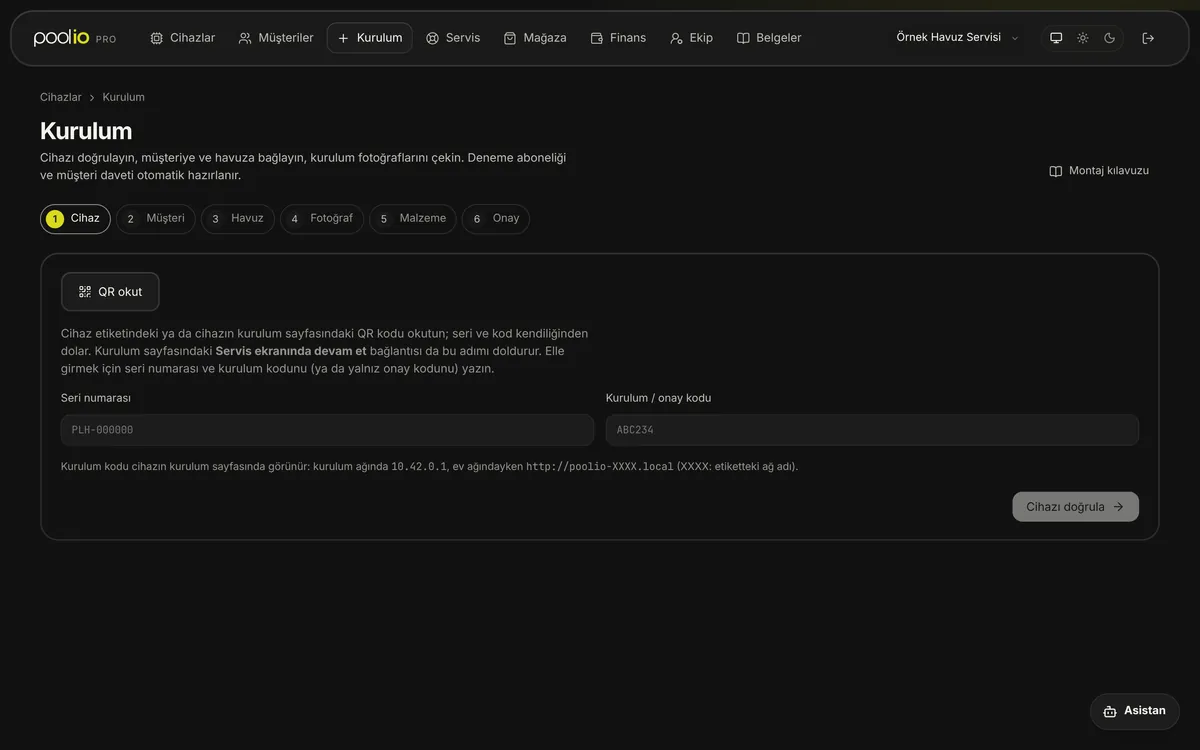
The installation wizard guides the technician on site; service requests and materials run from the same panel.
Installation wizard
The device label is scanned; the gateway and components are verified live.
The pool owner is invited and opens their own account.
Pool type and location are entered; sunset is calculated from them.
Installation photos are taken and checked against the manual.
Materials used are deducted from stock or requested.
The installation is summarised and completed; the customer sees the pool in the app.
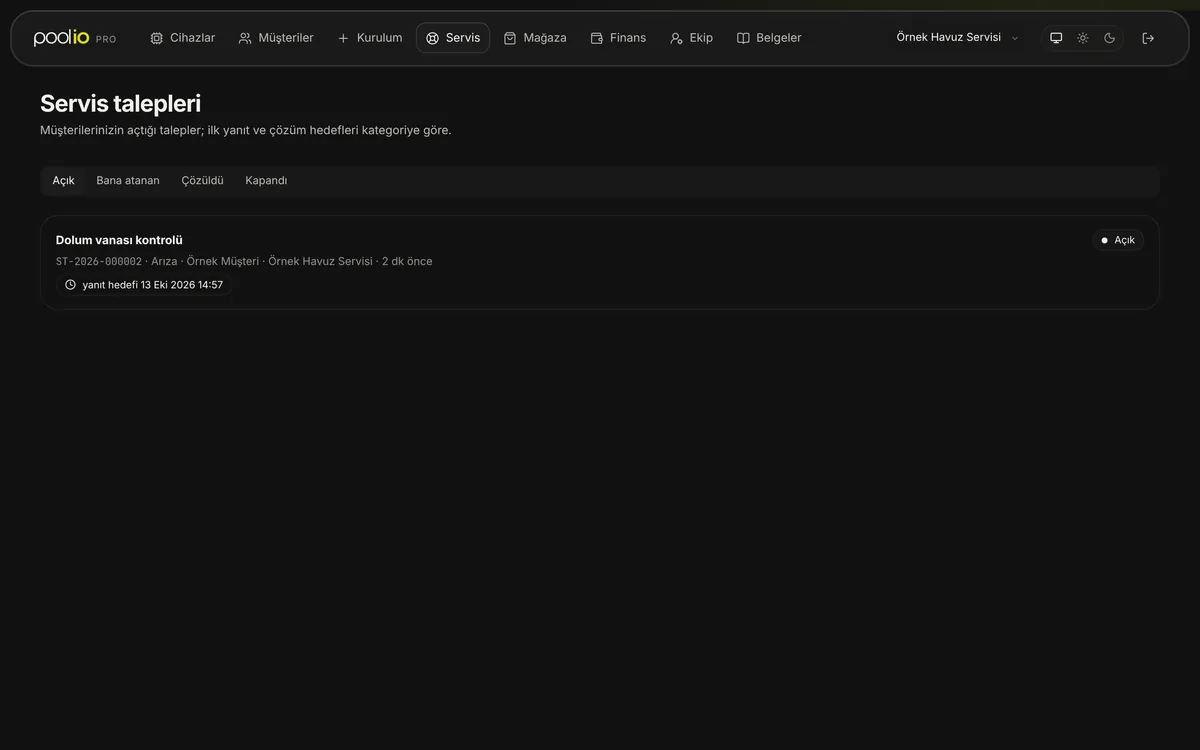
Service request
The customer opens a request in the app; low batteries open one automatically.
The request arrives with the device's current status.
The technician works on site with the wizard and the assistant.
When the request closes, the customer is asked about the service.
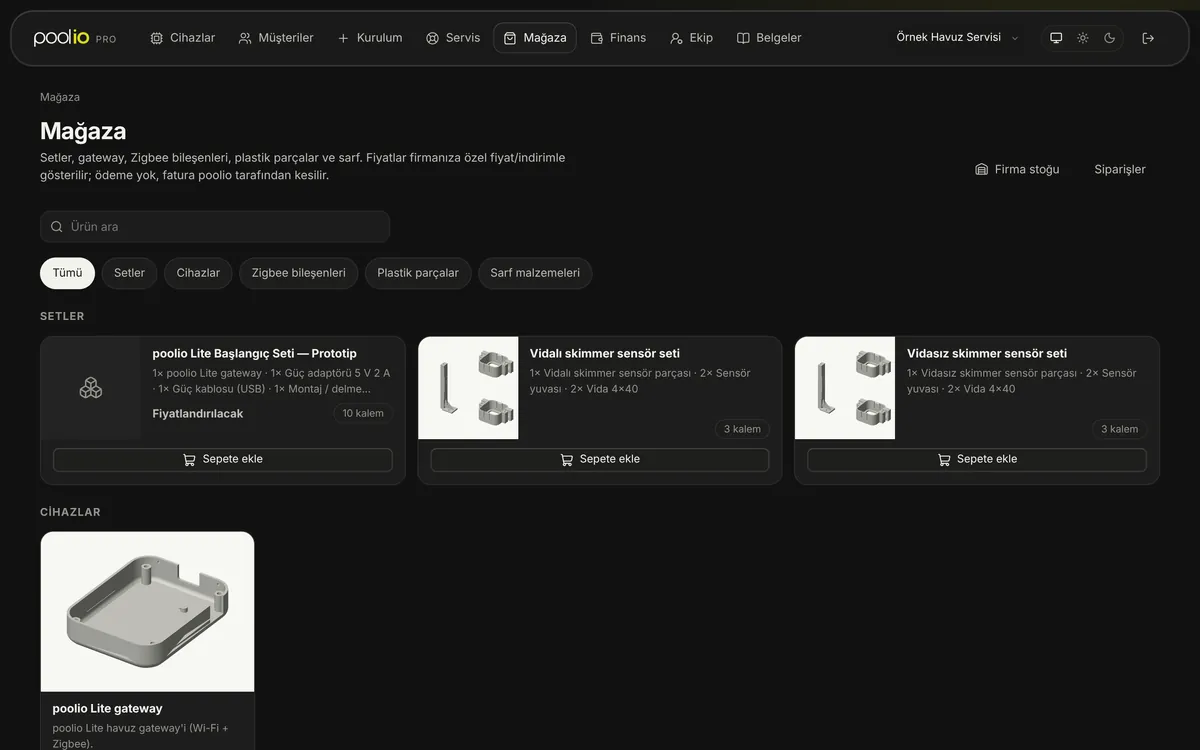
Materials
Material requests, approval and delivery tracking. Only authorised roles see prices.
Capabilities
What can you install and manage?
The list comes from the poolio device catalogue and grows as new components and automations are added.
Supported component types
- Smart water valve
- Switch
- Motion sensor
- Door/window sensor
- Relay / pump control
- Sensor
- Temperature-humidity sensor
- Liquid level sensor
- Flood sensor
Automation templates
- Close the valve on flooding
- Flooding → stop the pump
- Skimmer level — dual-sensor filling
- Run the pump when freezing
- Automatic filling
- Overflow protection
- Valve open-time safeguard
- Close the valve if no water arrives
- Scheduled filling
- Pump schedule (filtration)
- Smart lighting
- Low battery alert
Team roles
- Company manager
- Finance
- Field technician
- Customer relations
- Monitoring
A person can hold several roles; permissions are the union of the roles.
Application
Let's work together.
Tell us briefly about the pools you maintain and your area.
After you apply
- MeetOur team talks with you.
- AccountYour poolio Pro account is opened; you invite your team.
- First installWe set up the first pool together with the wizard.